

Download Tunnelblick – Free OpenVPN Client for macOS
Overview
Tunnelblick is a free, open‑source graphical OpenVPN client built exclusively for macOS. Designed for users who demand a reliable and secure VPN connection without paying for a commercial license, Tunnelblick offers a clean menu‑bar interface, detailed traffic logs, and the ability to manage multiple VPN profiles side‑by‑side. While the core of Tunnelblick is straightforward—install the app, drop your *.ovpn or *.conf files into the appropriate folder, and you’re ready to connect—the initial setup can feel a bit fiddly for newcomers.
The client bundles the OpenVPN binary and necessary drivers, so there’s no need to hunt down additional components. Once installed, Tunnelblick’s log window records each handshake, data packet, and error, giving power users insight into their tunnel’s health. For professionals who switch between corporate, personal, or geographically dispersed VPN servers multiple times a day, Tunnelblick’s multi‑profile support is a genuine time‑saver.
However, the configuration step—copying configuration files into “~/Library/Application Support/Tunnelblick/Configurations/” or letting the app generate a template—may require a modest learning curve. Overall, Tunnelblick delivers a secure, no‑cost alternative to paid VPN apps, making it an attractive option for macOS power users and privacy‑conscious individuals alike.
Key Features
- Fully free and open‑source under the GNU GPL license.
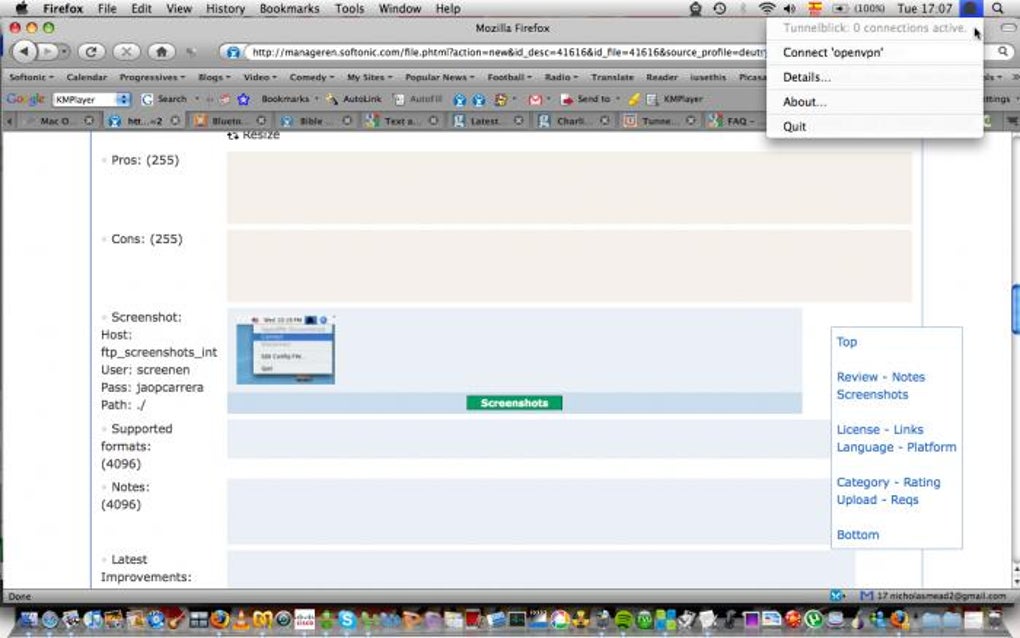
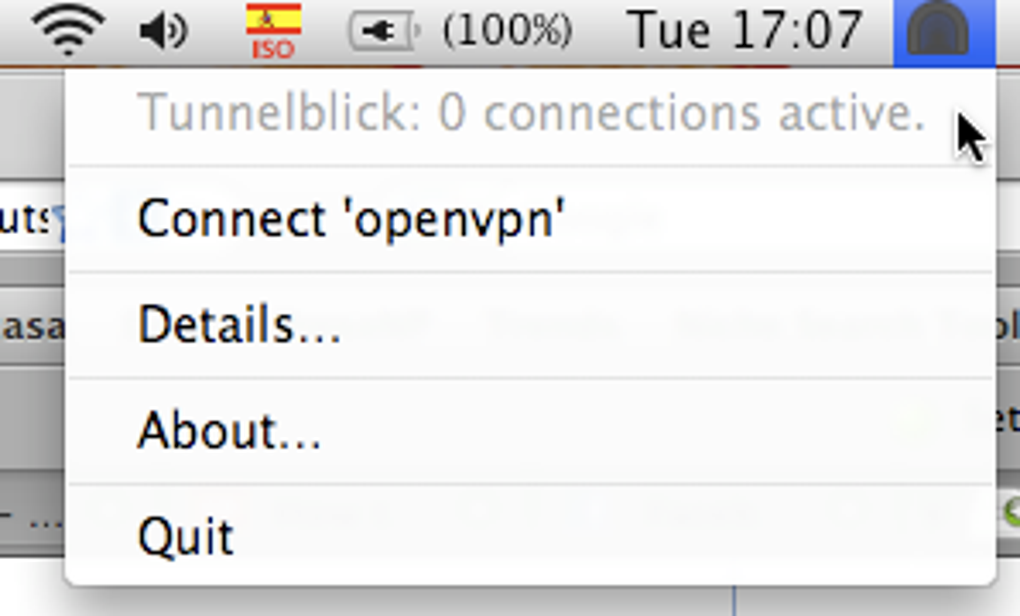
- Native macOS menu‑bar integration for one‑click connection control.
- Support for multiple simultaneous VPN configurations.
- Detailed, searchable log window that records every OpenVPN event.
- Automatic creation of example configuration files for quick start.
- Embedded OpenVPN 2.1.3 binary with OpenSSL 1.0.0a support, adding over 60 extra ciphers and TLS options.
- Secure handling of private keys and certificates stored in the user’s Library folder.
- Regular updates that keep the client compatible with the latest macOS releases.
- Ability to import configuration files directly from popular VPN providers.
- Lightweight footprint; runs efficiently on older Mac hardware.
Installation & Usage
Installing Tunnelblick begins with downloading the latest DMG from the official website. Because macOS does not allow execution directly from the disk image, you must first copy the “Tunnelblick.pkg” installer to your hard drive. Double‑click the package and follow the on‑screen prompts; the installer will request administrator privileges to place the application in the /Applications folder and to install the required kernel extensions for OpenVPN.
Compatibility: macOS 10.12 Sierra and later (including Apple Silicon with Rosetta 2 translation).
After installation, launch Tunnelblick. The first launch triggers a security dialog asking for permission to load network extensions; approve these to allow the VPN tunnel to function. Next, you need to provide a configuration file.
The simplest method is to drag and drop your .ovpn or .conf file onto the Tunnelblick icon in the menu bar. Tunnelblick will automatically copy the file into the hidden folder “~/Library/Application Support/Tunnelblick/Configurations/” and prompt you to name the configuration. If you prefer a manual approach, create the folder yourself and place the files there.
For users without an existing configuration, Tunnelblick can generate a starter file: click “Create New Configuration” and follow the wizard, which will produce a template you can edit with any text editor.
Once a configuration is present, connecting is as easy as selecting the desired profile from the menu bar and clicking “Connect.” The log window opens automatically, showing real‑time status messages such as “TLS Handshake completed” and “Data channel encrypted.” You can clear the log at any time by clicking the “Clear” button, which is handy for troubleshooting after making changes to the configuration. To disconnect, simply choose “Disconnect” from the same menu. Advanced users can edit the configuration directly from the “Edit Configuration” option, adjusting cipher suites, DNS settings, or routing rules. Tunnelblick also supports automatic reconnection on network loss, ensuring that critical work‑related VPN sessions remain stable.
Pros, Cons, FAQ & Conclusion
Pros
- Free and open source: No hidden fees or subscription models.
- Multiple profiles: Switch effortlessly between different VPN servers.
- Robust logging: Full visibility into connection health and errors.
- Native macOS experience: Menu‑bar control and system‑wide network integration.
- Regular security updates: Embedded OpenSSL library adds modern cipher support.
Cons
- Steep initial setup: New users may find the configuration process confusing.
- macOS‑only: No official Windows, Linux, Android, or iOS client.
- Requires admin rights: Installation of kernel extensions can be a barrier in locked‑down environments.
- Legacy OpenVPN version: Uses 2.1.3, which is older than the current upstream release.
- Limited UI customization: The interface is functional but not highly stylized.
Frequently Asked Questions
Do I need an existing OpenVPN subscription to use Tunnelblick?
No. Tunnelblick is simply a client. You can use it with any OpenVPN‑compatible service, including free providers, self‑hosted servers, or paid subscriptions.
Is Tunnelblick safe for handling sensitive data?
Yes. The application uses the embedded OpenSSL library for encryption, supports modern ciphers, and never stores your credentials on external servers.
Can I run multiple VPN tunnels at the same time?
Tunnelblick allows you to have several configurations installed, but only one tunnel can be active at a time. You can quickly switch between them via the menu bar.
What macOS versions are supported?
Officially, Tunnelblick supports macOS 10.12 Sierra and newer, including both Intel and Apple Silicon Macs.
How do I troubleshoot connection failures?
Open the Tunnelblick log window to view detailed error messages. Common issues include incorrect server addresses, missing certificates, or firewall rules blocking UDP/TCP ports used by OpenVPN. Adjust your .ovpn file accordingly or contact your VPN provider.
Conclusion & Call to Action
Tunnelblick remains one of the most dependable free OpenVPN clients for macOS, especially for users who juggle several VPN connections throughout the day. Its transparent logging, multi‑profile handling, and open‑source nature make it a solid choice for privacy‑focused individuals and IT professionals alike. While the initial configuration may require a bit of patience, the long‑term payoff—stable, secure tunnels without recurring subscription costs—is well worth the effort. If you’re ready to secure your internet traffic on a Mac without spending a dime, download Tunnelblick today and start configuring your VPN connections with confidence.







